

Handle the season’s returns, not only its sales
Return Manager takes in returns from several client companies in one tool, each under its own styling. The wearer finds their order, submits their request and follows its progress, with no account to create.
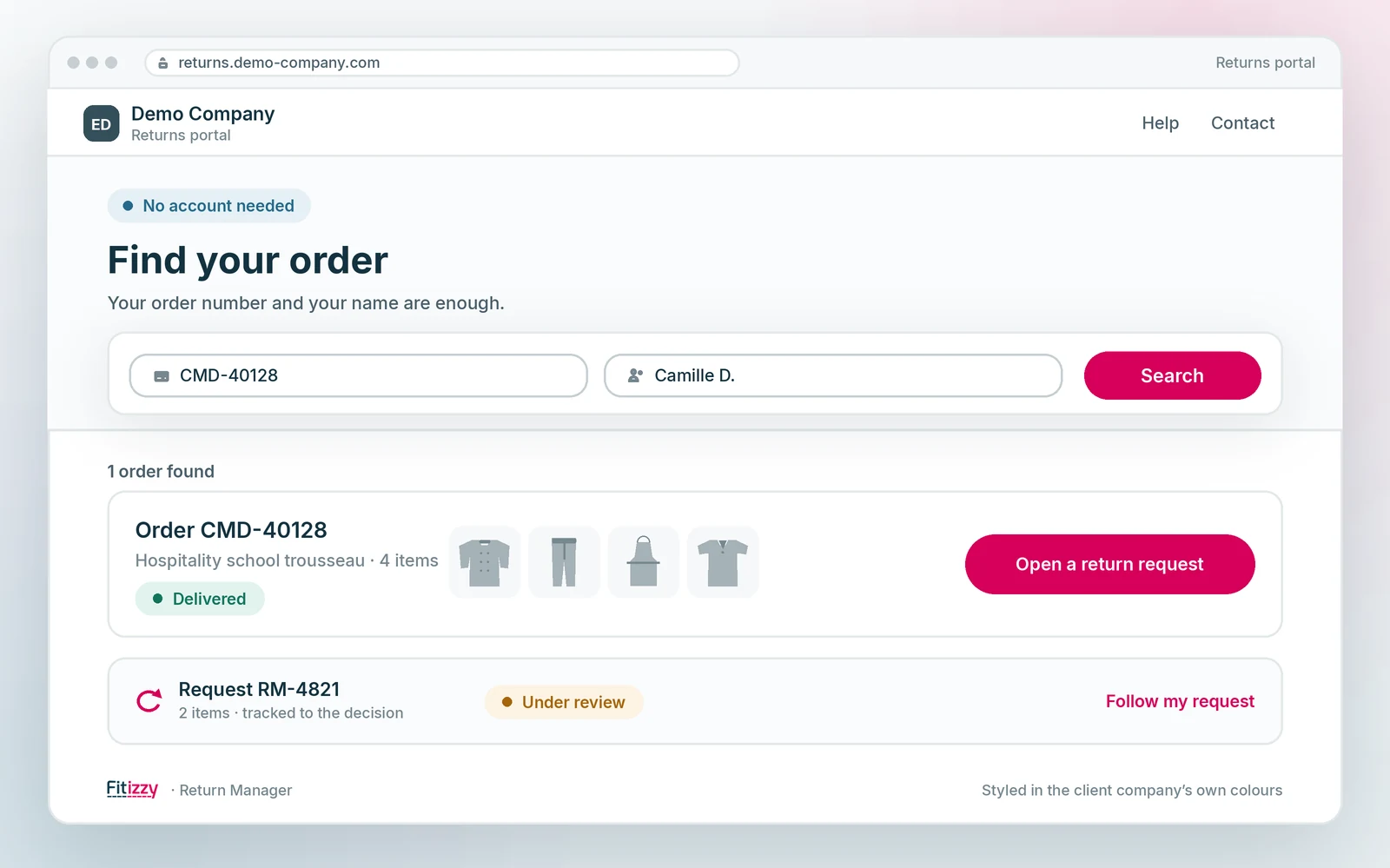
One portal per client company, in its own styling
A manufacturer serves several client companies, and each of them wants its wearers to feel they are at home. So Return Manager was built for several client companies from the start.
Each portal carries its client company’s styling, and one company’s data stays separate from the others’.
- A white-label portal per client company, with its own styling.
- Data kept separate between client companies.
- No account for the wearer to create: they find their order and open their request.
- One screen for your teams, whichever client company is concerned.
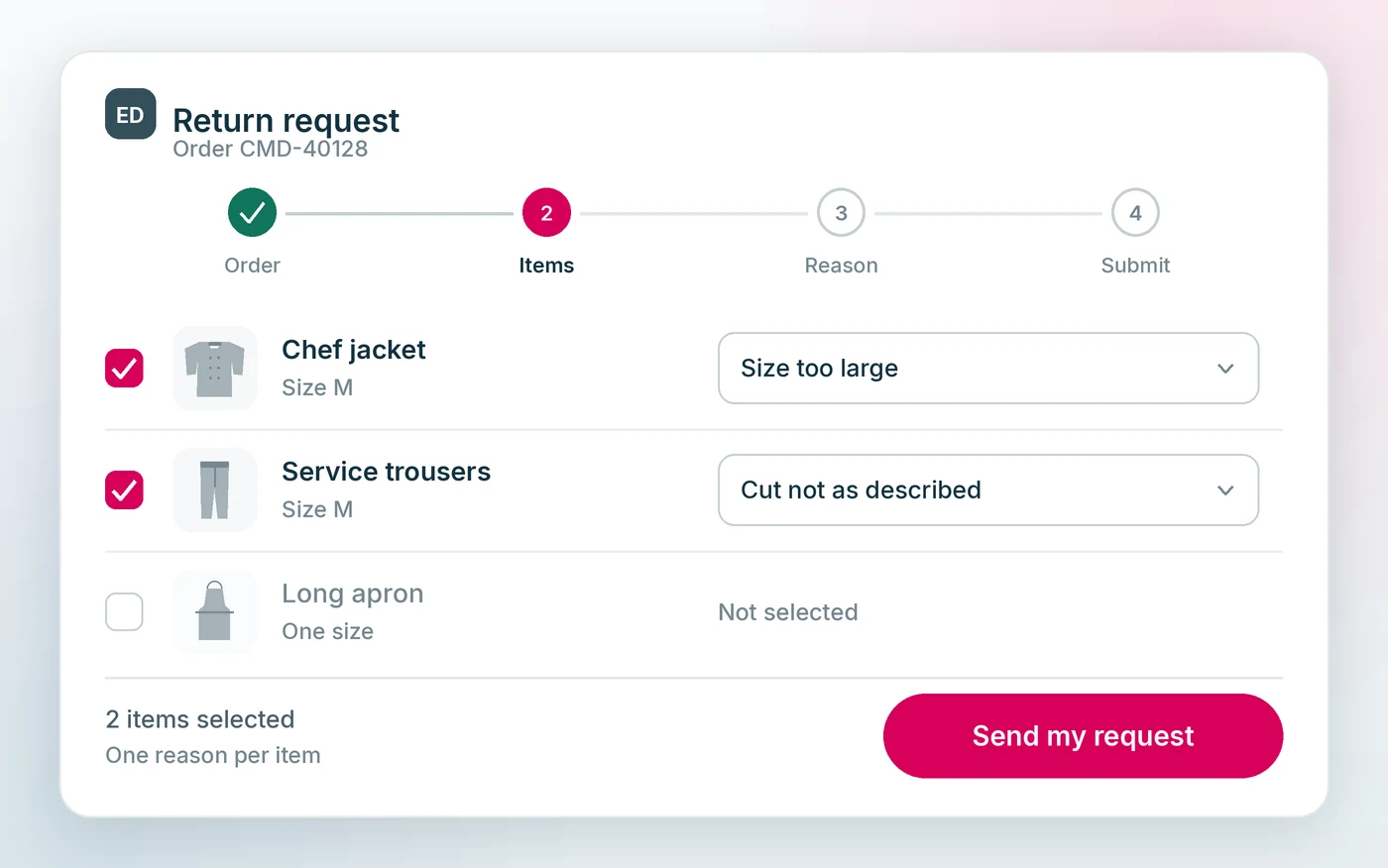
The path of a return
- The wearer looks up their order in their company’s portal.
- They select the items concerned and give the reason for the return.
- They submit the request, which goes off with the items they picked and the reason for each.
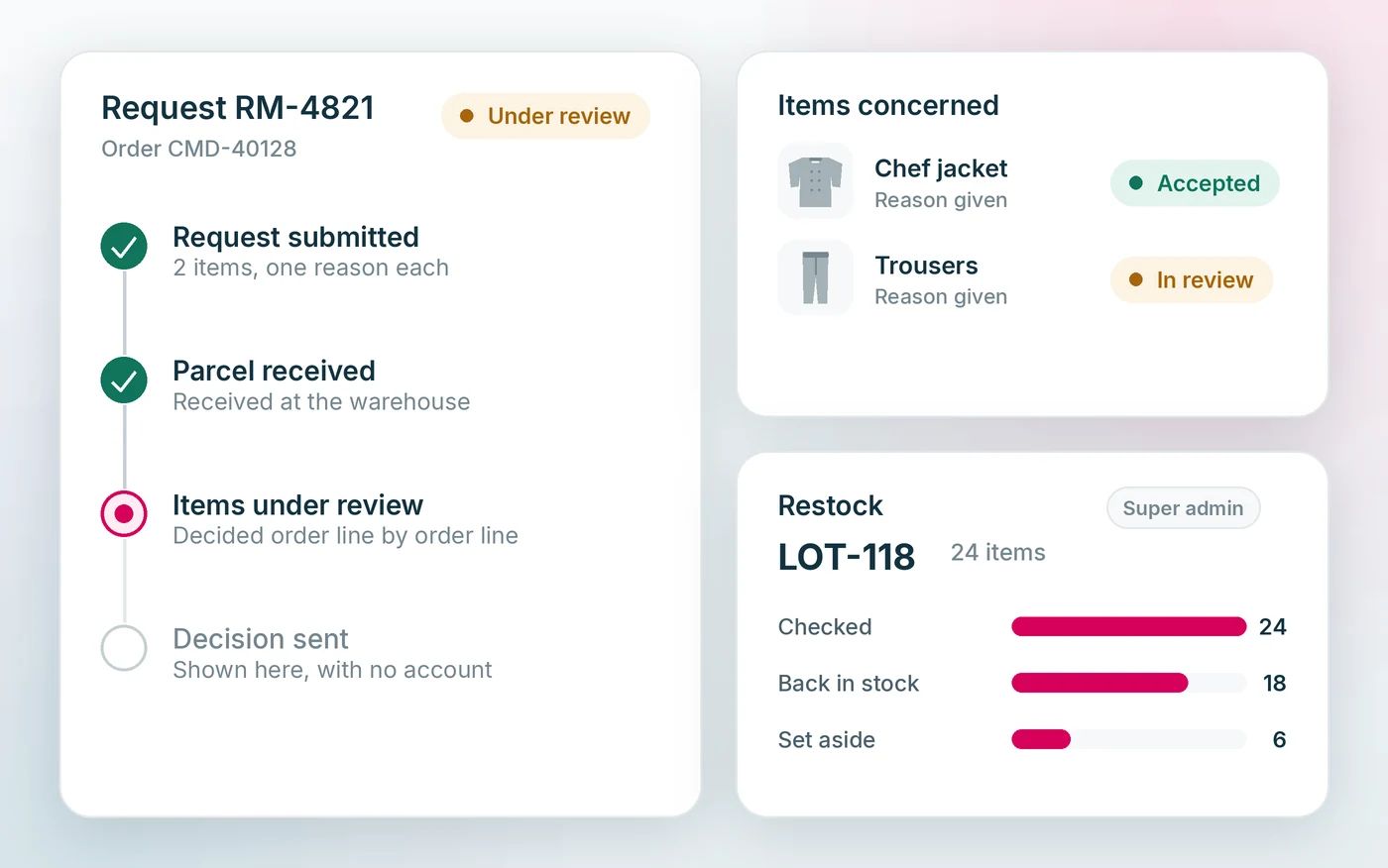
- They follow the progress of their request through to the decision.
- Accepted items are grouped into restock lots.
What can come back, and the restock
Admissibility is not a rule we set: your management system decides it, order line by order line. The portal puts the question to it when the request is opened, which avoids processing a case only to refuse it afterwards.
Accepted items do not vanish into a back room: they are grouped into restock lots, prepared and approved from the super-administrator access. That path is not yet open to each client company’s own teams.
- Admissibility decided by your management system, line by line.
- A return reason per item, so the decision is documented.
- Tracking the wearer can see, from submission to decision.
- Restock lots, prepared and approved by the super-administrator.
A local cache in front of your management system
The start of a school year or the opening of a campaign concentrates thousands of order lookups into a few days. Those lookups do not go knocking at your management system: they are served from a local cache filled ahead of time.
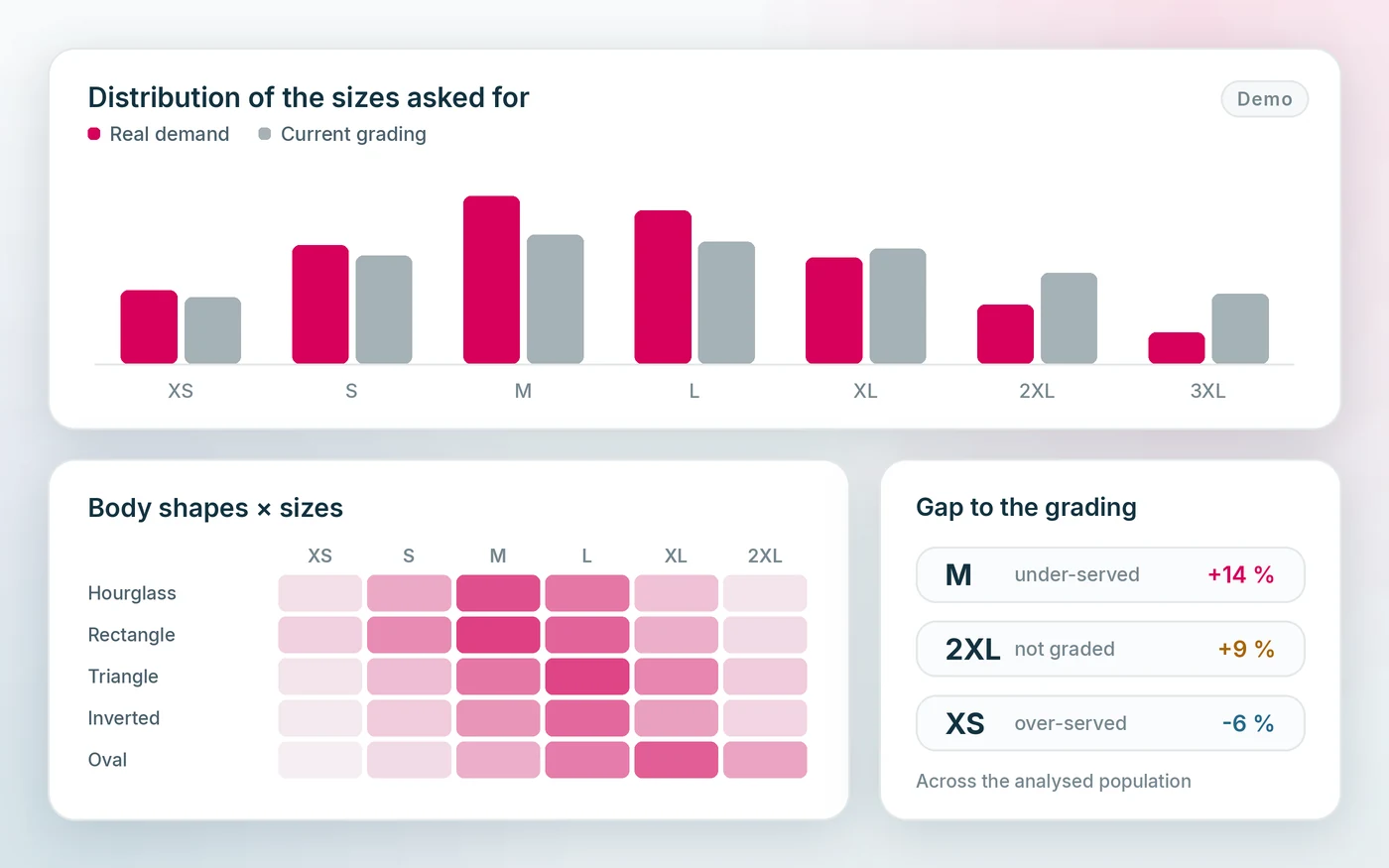
Your internal systems keep their usual load while the portal absorbs the peak, and the returns that come in then feed the morphological analysis in Plateforme Pro.
Let’s talk about your returns
Tell us how many client companies you serve and how your returns are handled today, and we will show you what the portal changes.